CRUD
The CRUD module provides an interface for creating, viewing, editing, and deleting documents in custom indices. It is accessible from the sidebar under Tools → CRUD.
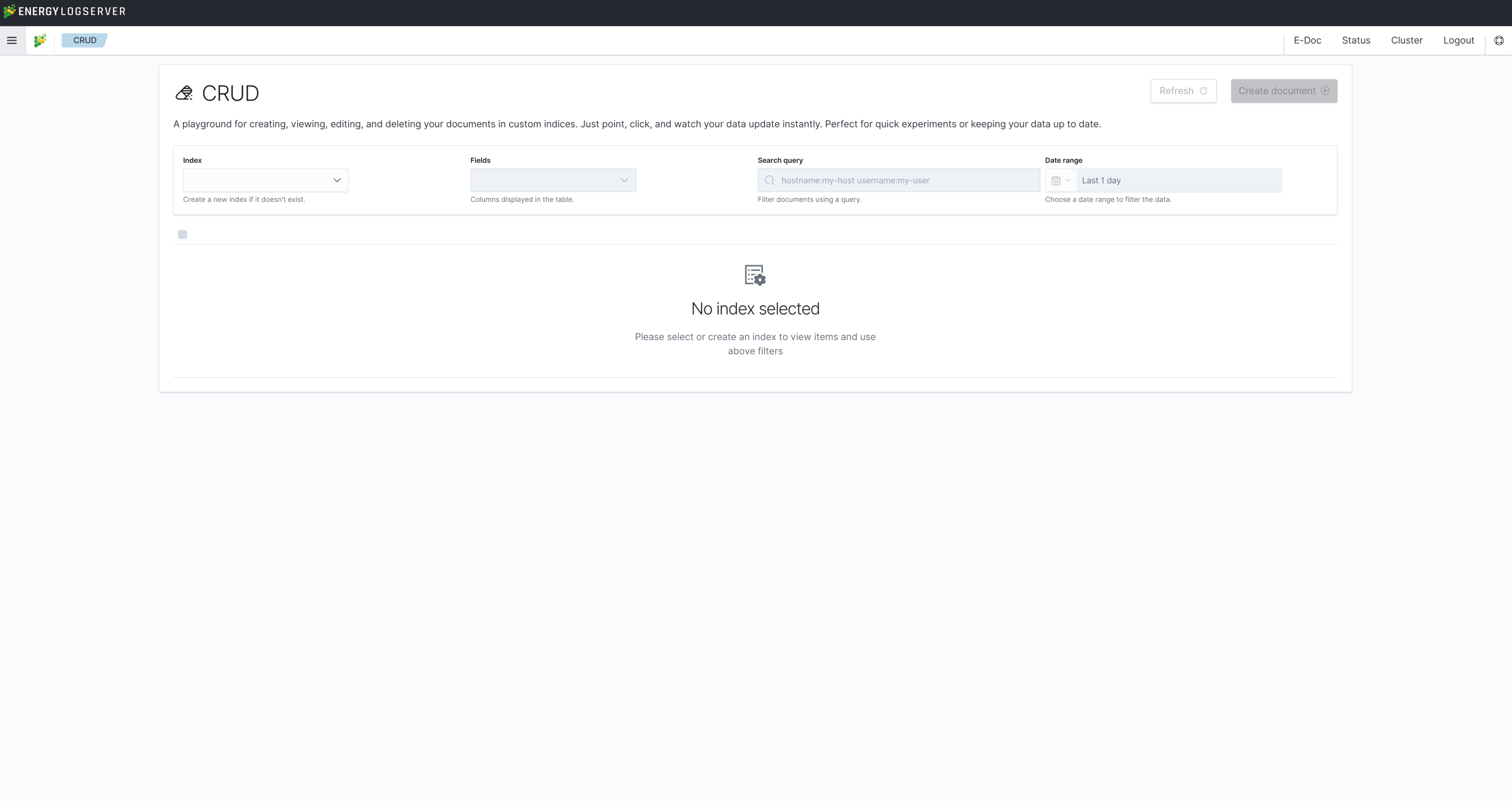
Interface
The module header contains the following filter controls:
Control |
Description |
|---|---|
Index |
Select an existing index or create a new one if it does not exist |
Fields |
Choose which columns are displayed in the results table |
Search query |
Filter documents using a query string (e.g., |
Date range |
Restrict results to a specific time window |
Click Refresh to reload the current view after changing filters.
Operations
Create document
Click the Create document button in the upper right corner to add a new document to the selected index. Fill in the field values in the form and submit. If the specified index does not exist, it is created automatically.
View
Select an index and optionally apply filters to browse existing documents. Results are displayed in a table with the columns selected in the Fields control. Click on a row to expand the full document.
Edit
Click the edit icon in the Actions column of a document row to modify its field values. The updated document is saved to the same index.
Delete
Click the delete icon in the Actions column to remove a document from the index.
Bulk Operations
The CRUD module supports bulk operations on multiple documents at once. Use the checkboxes in the leftmost column to select documents, then choose an action from the bulk action toolbar:
Bulk Update — apply the same field value changes to all selected documents.
Bulk Delete — remove all selected documents from the index.
Use the select-all checkbox in the table header to select all documents on the current page.
Access Control
Note
The CRUD module requires administrator role or explicit crud capability assigned to the user role. Users without this capability will not see the CRUD item in the sidebar.
Note
The CRUD module operates on custom indices and is intended for managing reference data, lookup tables, or manually maintained records. It is not designed for modifying indices that receive data from automated pipelines.